
Try it now
Draw the letter A
Use a finger, mouse, or stylus.
Draw letters using your finger, mouse, stylus, or upload handwriting from paper. Preview instantly and download a font you can use anywhere.
Try it now
Use a finger, mouse, or stylus.
 Canva
Canva GoodNotes
 Figma
Figma Procreate

Phone, tablet, laptop, stylus or mouse.
Download a TTF you can install. You own what you draw.

If you can write your name, you can make a font.
HOW IT WORKS
A calm, simple flow from drawing your letters—or uploading a paper template—to typing with your own font.
01
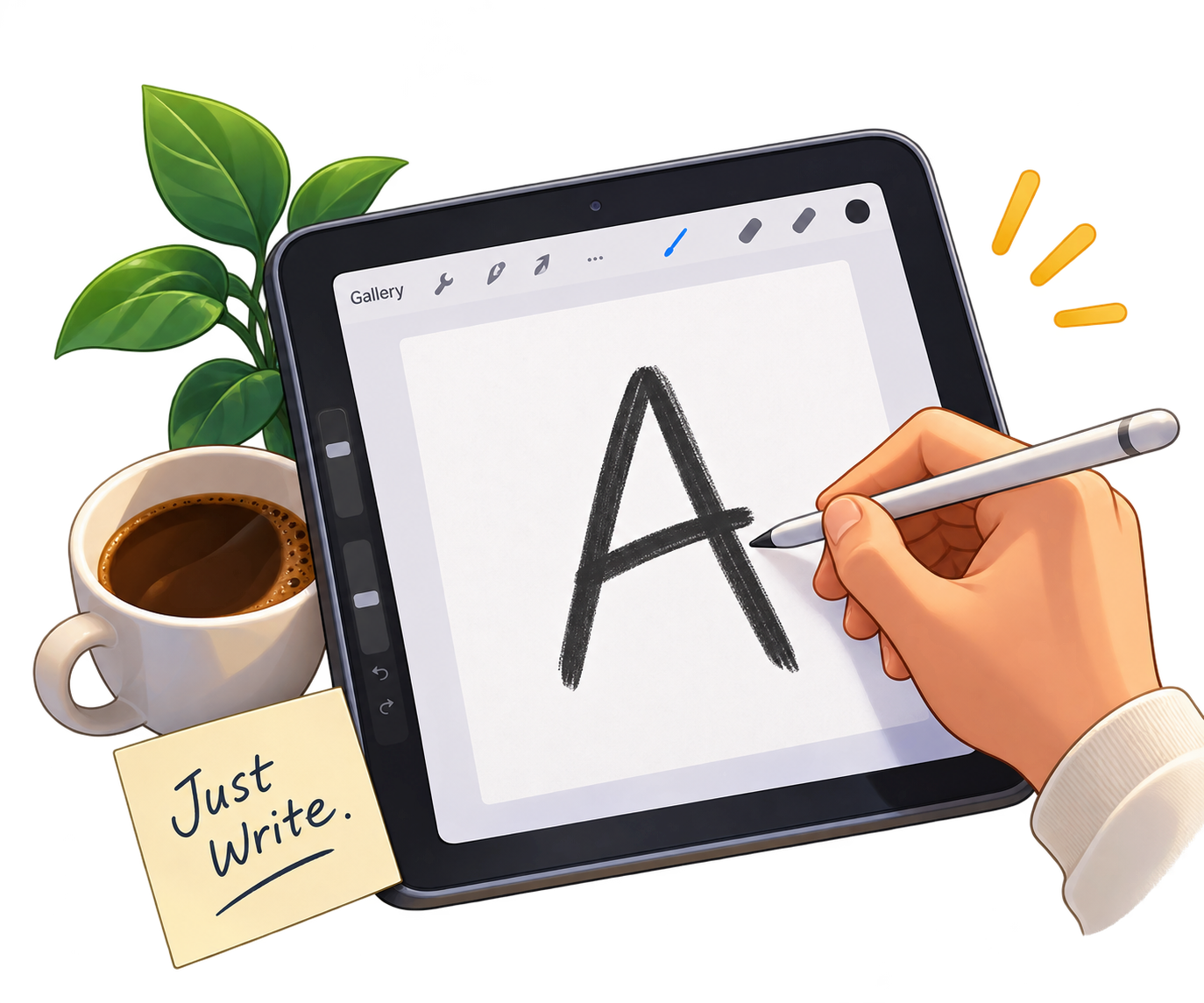
Write on screen with a mouse, finger, Apple Pencil or stylus—or print the paper template and upload a photo.
02
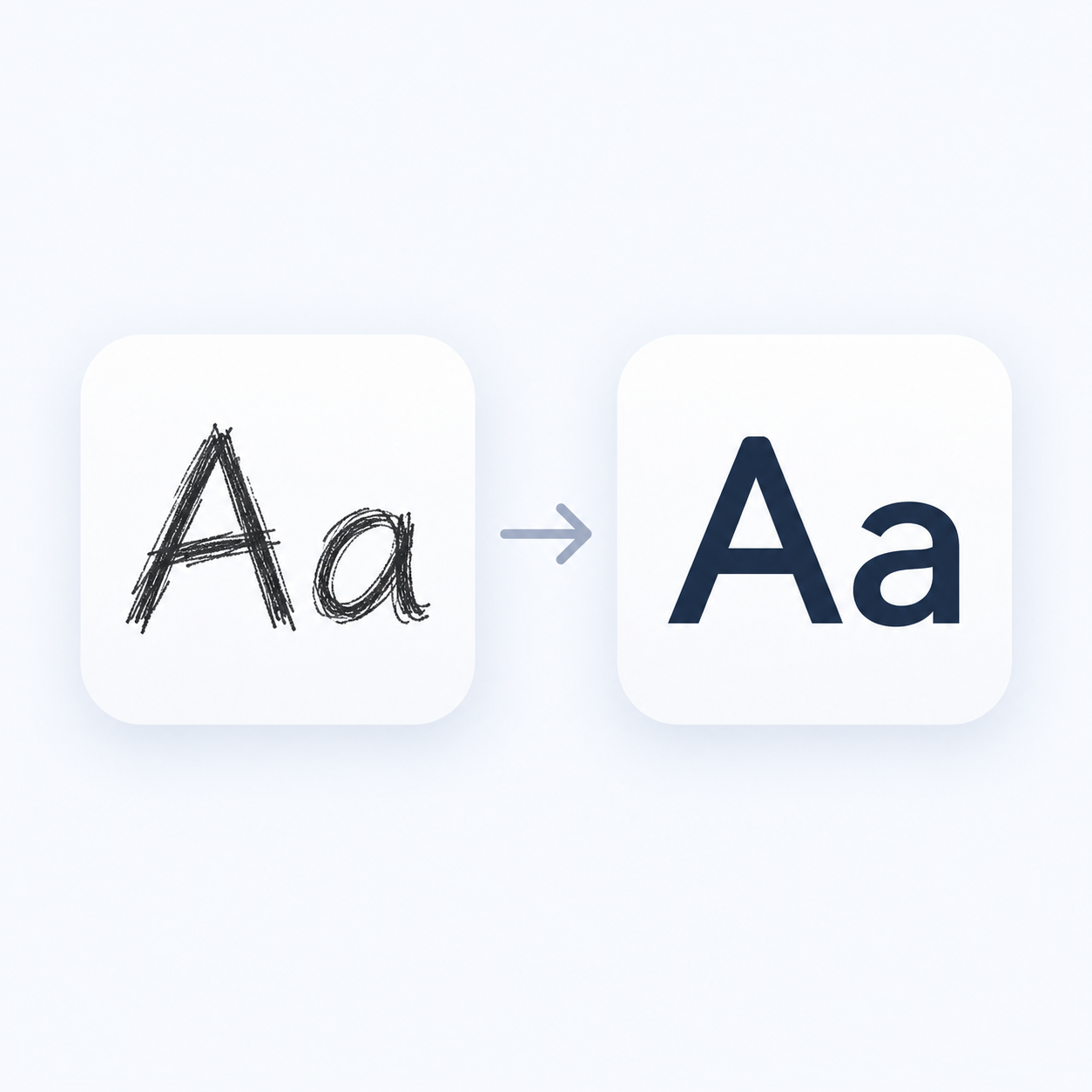
Automatically smooth strokes, align letters and adjust spacing.
03
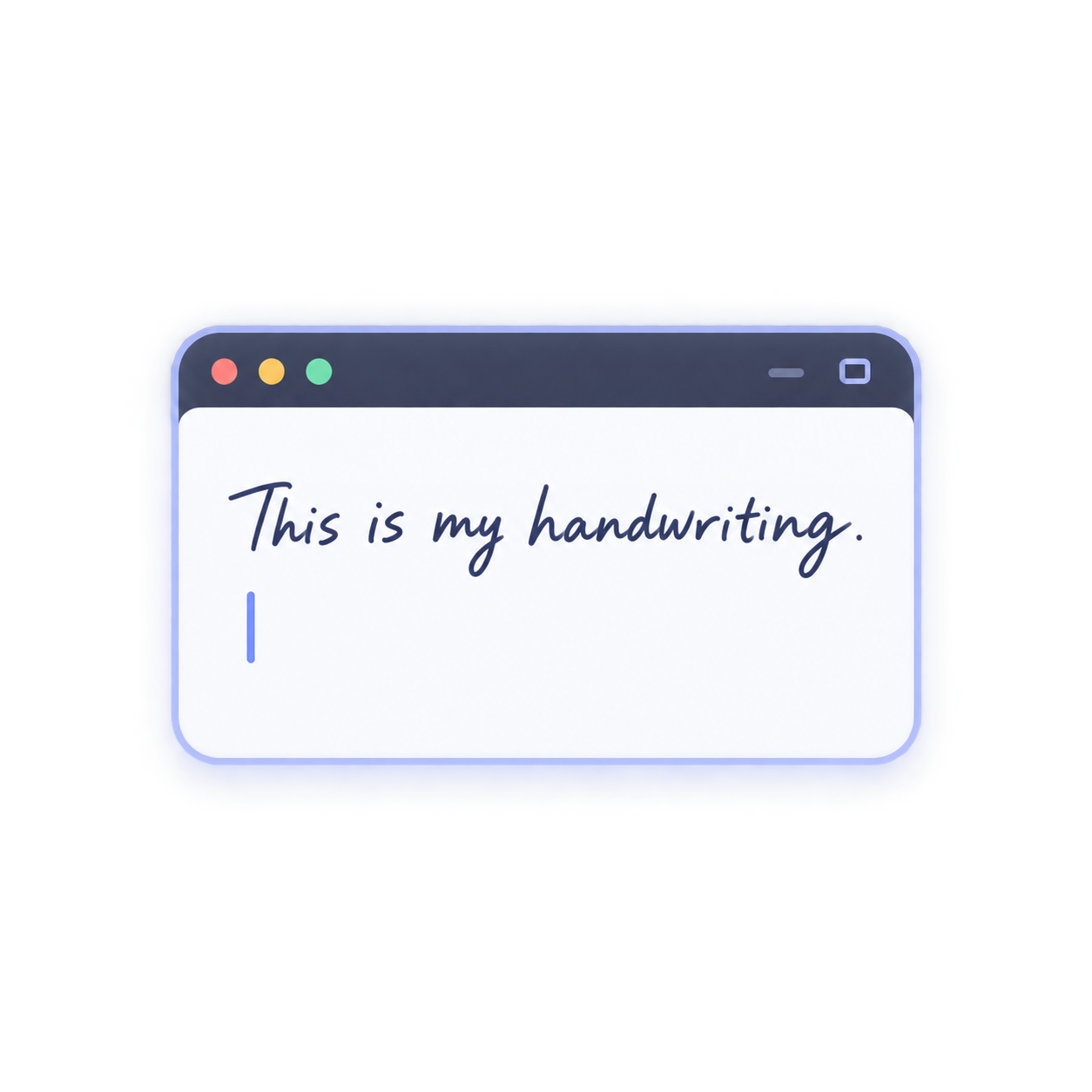
Type anything and instantly see it in your handwriting.
04
Generate a real font file ready for your favourite apps.
WHY PEOPLE LOVE IT
Because making your own font should feel simple, personal and actually fun.
Preview after a few letters. You do not need the full alphabet first.
Smooth shaky lines without turning your writing into a generic computer font.
Install the file and type in notes, design apps or documents.
Remove a project from your account when you are done.
 CanvaGoodNotes
 IllustratorFigmaProcreate
 Windows
 iPad
iPadProduct names belong to their respective owners. Calimakeo is not affiliated with these products.
Your handwriting
Write with it.
Type anything.
The best ideas usually begin small.
Same sentence, your hand.
The best ideas usually begin small.
Only fonts a creator chooses to publish appear here.
$0
Every creation tool. No card required.
Clean TTF + WOFF font exports. Document exports include a watermark.

$45 one time
One payment. Lifetime access.
Team and client font workflows.
Talk to us about volume access, licensing and business support.
Contact salesYes. Draw the required characters and Calimakeo converts them into a downloadable TTF file.
No. You can use a mouse, finger or stylus.
Yes, if your Canva plan allows custom font uploads. Upload the TTF from the download screen. Brand-plan rules are set by Canva, not by us.
Yes, creation works in a modern browser. Installing the finished font uses the iPad’s normal font installation steps.
Projects are private unless you choose to publish. We never publish automatically.
Free and Lifetime both include TTF and WOFF downloads.

Create it in minutes and use it anywhere you type, design or take notes.